

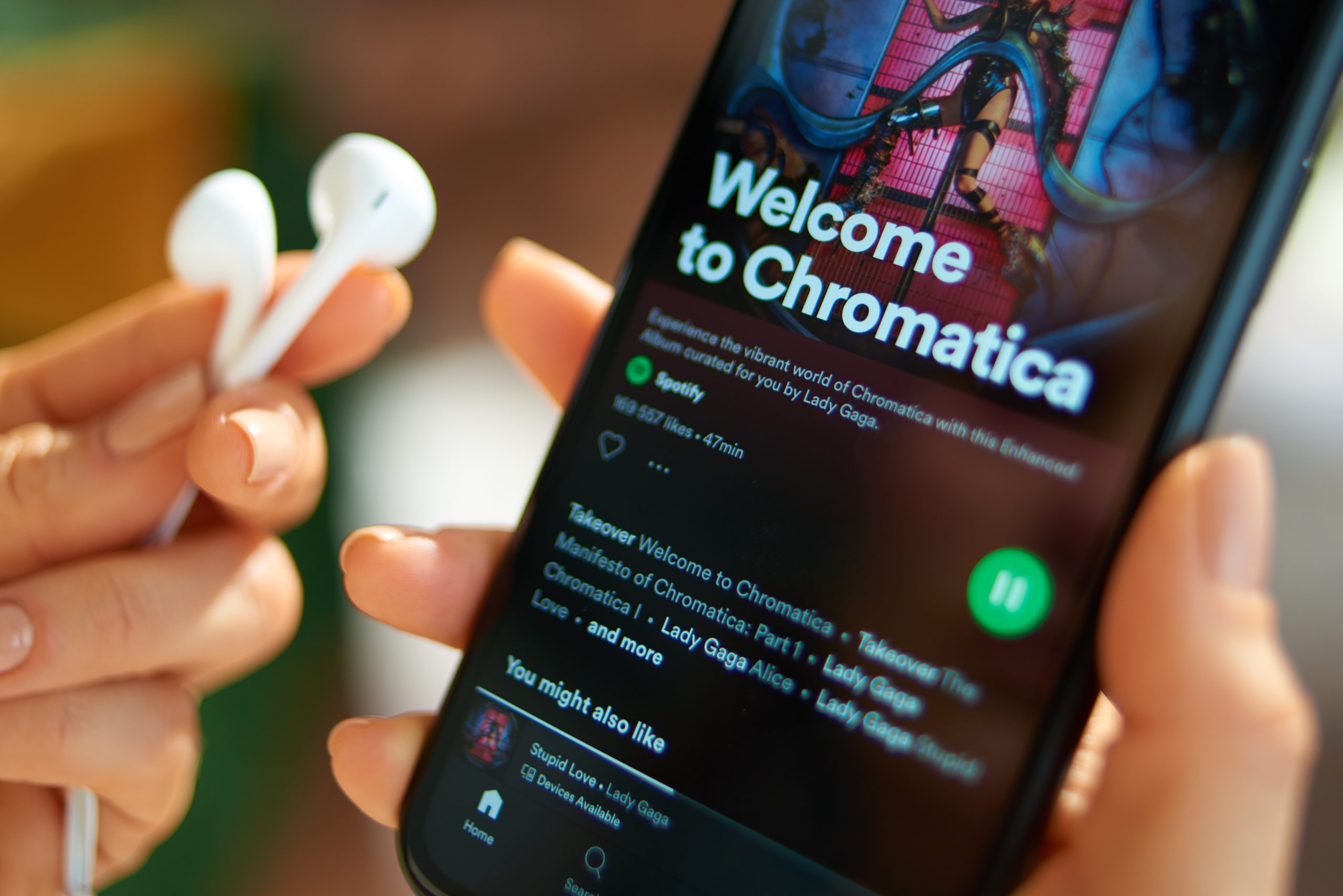
Spotify has enhanced its AI DJ feature, allowing Premium subscribers to personalize their listening experience using English voice commands. Previously, the AI DJ generated playlists based solely on users’ listening habits, with limited control over what played next. Now, users can press and hold the ‘DJ’ button in the app, wait for a beep, and speak commands such as requesting specific genres, artists, moods, or even imaginative prompts like “play me some music to soundtrack my life as a movie.”
This update brings more direct control and integrates quirky, vibe-based recommendations similar to those found in Spotify’s AI Playlist beta feature. However, voice commands remain the only way to guide the AI DJ’s selections, which may be inconvenient in quieter or public settings.
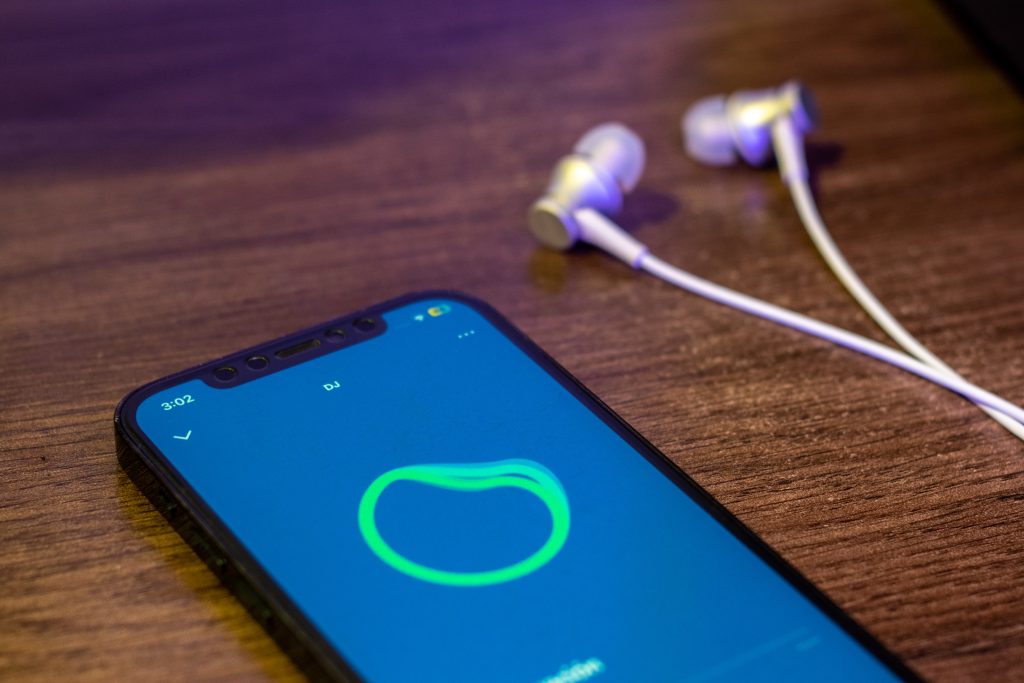
The AI DJ feature, introduced in February 2023, uses a synthesized voice to provide a personalized radio listening experience. The voice is modeled after Spotify’s Head of Cultural Partnerships, Xavier “X” Jernigan. Spotify has also launched a Spanish-language version of the AI DJ, expanding its accessibility to a broader audience.
To use the new voice command feature, users can:
- Open the Spotify app and search for “DJ.”
- Tap play to launch the AI DJ.
- Press and hold the DJ button (bottom right) until a beep.
- Speak your request, like: [“Play me chill tracks for a rainy afternoon.”], [“Give me some K-pop with choreography vibes.”], [“Surprise me with indie songs I’ve never heard.”].
If you’re not sure what you want, just tap the DJ button to skip to the next vibe.
This feature is now available in over 60 markets worldwide, offering users a more interactive and personalized music experience.